
This release introduces new Ticketing & Messaging enhancements designed to improve visitor localization, prevent accidental content loss, and enhance agent collaboration. With multilingual support for Anytime Chat, automatic saving of in-progress ticket drafts, and the ability to share direct links to tickets, teams can deliver a more personalized visitor experience while working more efficiently on customer requests.
Anytime Chat Multilingual Support
You can now add multiple languages to a single Anytime Chat widget and designate one as the default. When a visitor opens the chat widget, the system automatically matches the widget language to the visitor's browser language when a supported language is available.
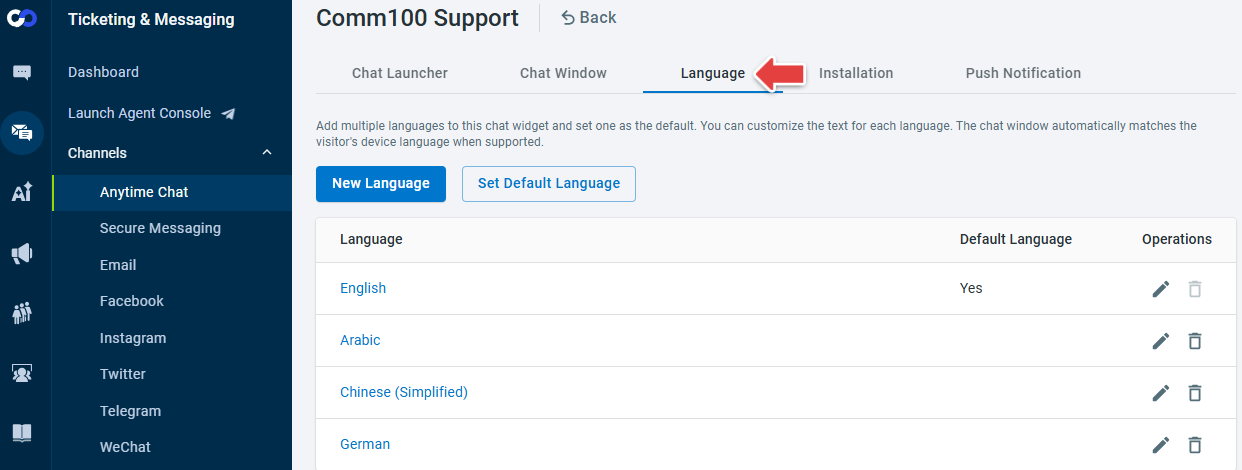
The update also includes language-specific customization, auto-translation for default language updates, fixed language control through installation code or JavaScript API, and support for right-to-left (RTL) languages.
To learn more about configuring Anytime Chat, see this article.
Share Links to Tickets
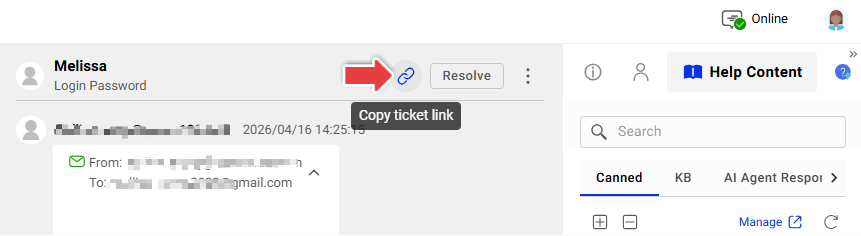
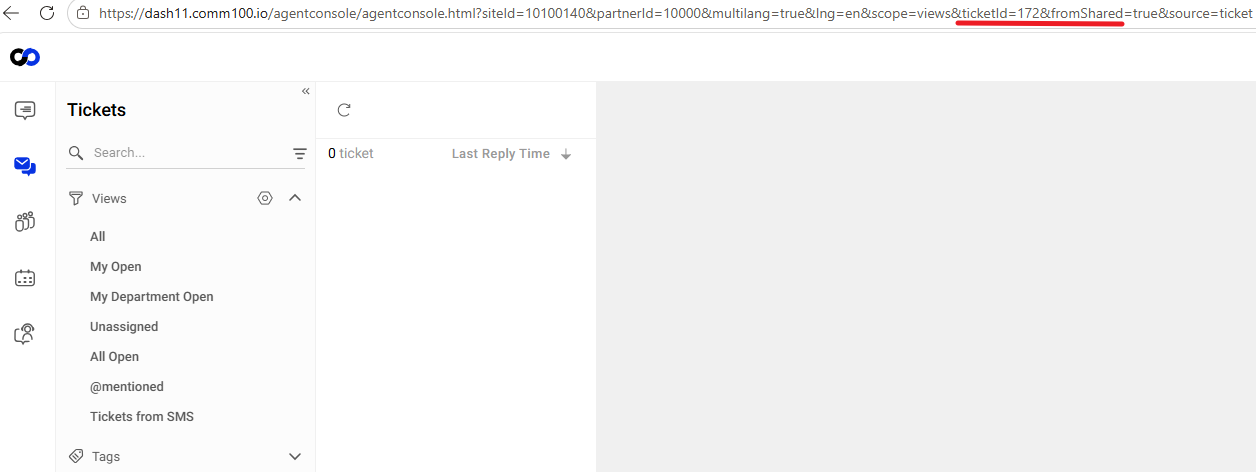
To improve collaboration between agents, you can now copy a direct link to a ticket and share it with other team members, making it easier to reference specific customer requests and collaborate on ticket handling.
Ticket Draft Auto Save
In-progress ticket content is automatically saved while you work. If your browser is refreshed, hard reloaded, or you log in again, your unsaved content is restored when you return to the same ticket or editor, allowing you to continue where you left off.
Unlike the existing Save as Draft feature, auto-saved drafts are visible only to the agent who created them. Other agents cannot view the draft content unless it has been explicitly saved using Save as Draft.