
This article explains the possible causes and solutions when you are unexpectedly logged out of the Comm100 Agent Console.
Problem
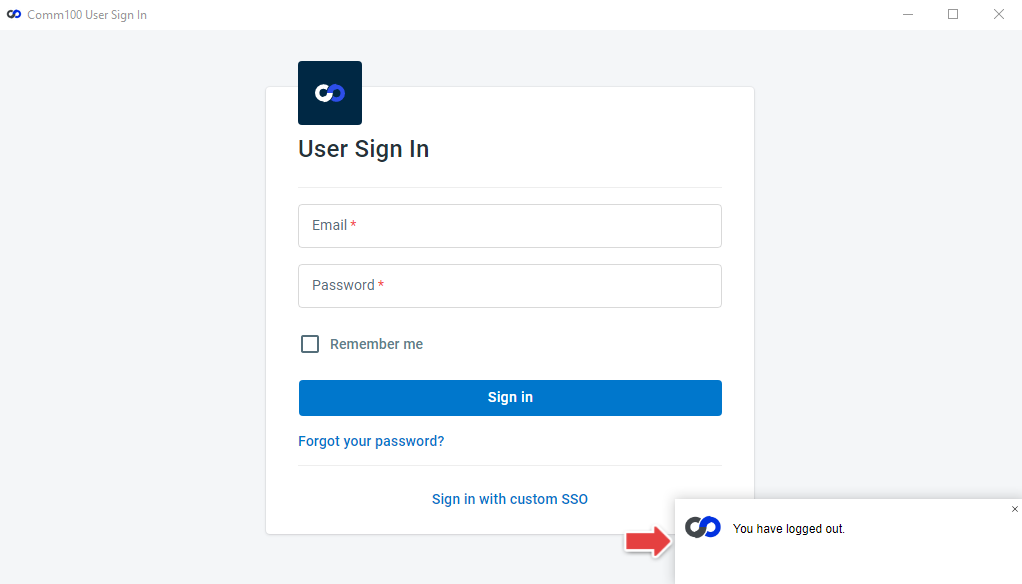
I am logged into the Comm100 Agent Console, but suddenly I am logged out and see a message stating "You have logged out."
Causes
The issue may occur for one or more of the following reasons:
- You have logged in from another location, for example, on another device or another application (Web App / Desktop App / Mobile App). Comm100 allows only one active Agent Console login per agent at a time, across all devices and applications.
- Someone else logged in using your credentials and forcefully signed you out.
- A temporary loss of connection between your device and the Comm100 server caused the session to end.
- Your computer was inactive for a period of time (for example, locked screen, screensaver, or left unattended).
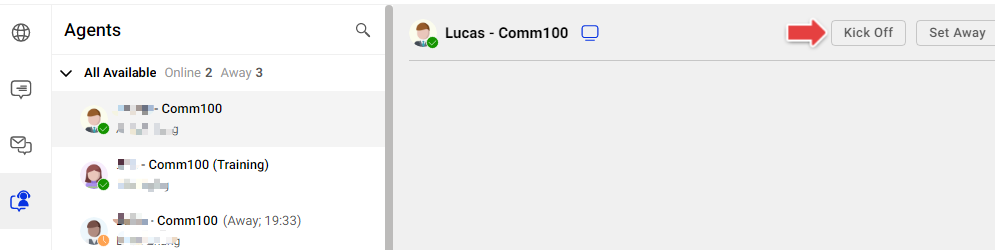
- An administrator or agent with the Log Agents Off permission clicked the Kick Off button in the Agents tab.
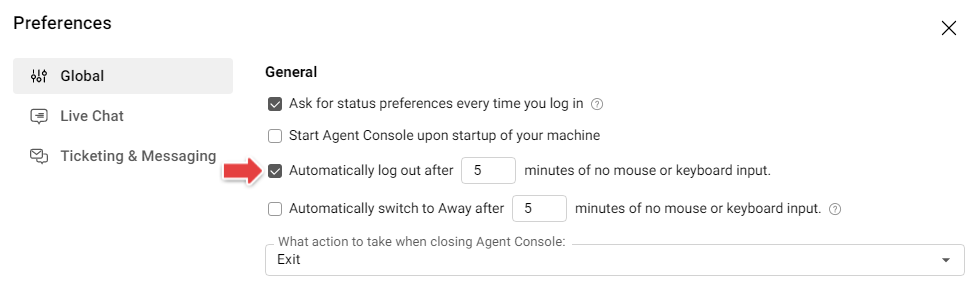
- You've enabled the Automatically log out after X minutes of no mouse or keyboard input option in your Agent Console settings.
Solutions
- Ensure your internet connection is stable, then log in again.
- If someone else is using your account, ask them to log out, or log in yourself and force them out.
- Change your password immediately if you suspect your account credentials may have been compromised.
- Check with your account administrator or coworkers to confirm whether you were logged out intentionally using the Kick Off feature.
- Verify whether the Auto Logout option is enabled in your Agent Console and adjust the setting if needed.