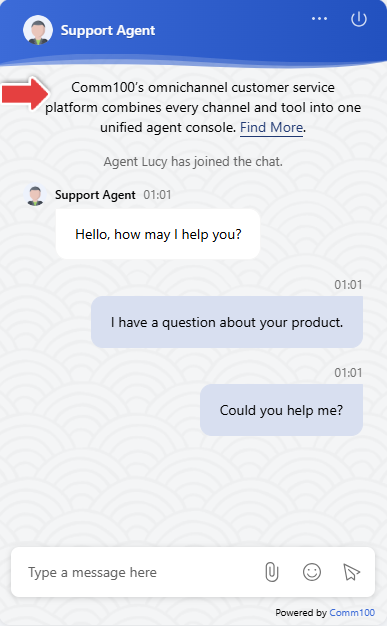
A greeting message is a pre-defined welcome message that appears at the top of the chat window to greet visitors when a chat starts.
Step-by-Step Instructions
- Log in to your Comm100 Control Panel.
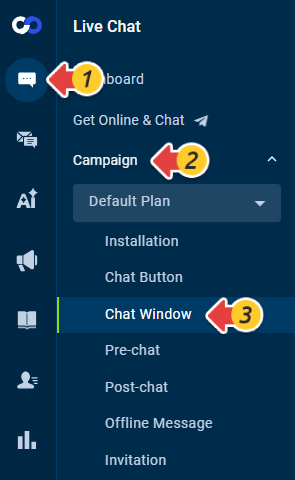
- From the left navigation menu, click Live Chat > Campaign.
- Select your campaign from the drop-down list and click Chat Window. Note: If you have multiple campaigns, make sure you are editing the correct one.
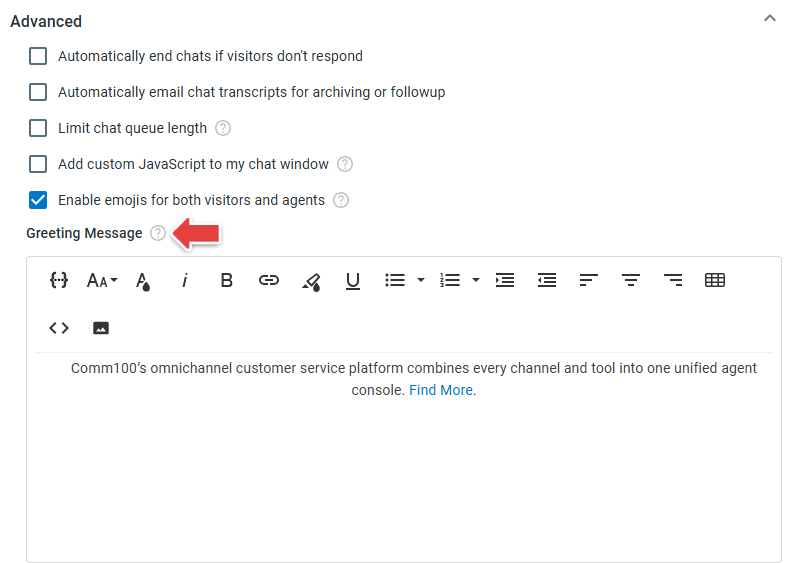
- Click Advanced and enter the message in the Greeting Message area.
- Click Save. The change takes effect immediately.